
Opera
Opera is a free web browser for Windows from Opera Software. The stable release is 136.0.6008.22, published on 17 September 2026.
133.1 MB

Maxthon is a web browser for Windows, macOS, Android and iOS developed in China, available as an installer and a portable version.
Average 0.0 · ratings: 0
Thank you! Your rating is saved; you can change it. Could not save the rating. Please try again later. Too many ratings from your network today. Please try again tomorrow. The average appears after 5 ratings.
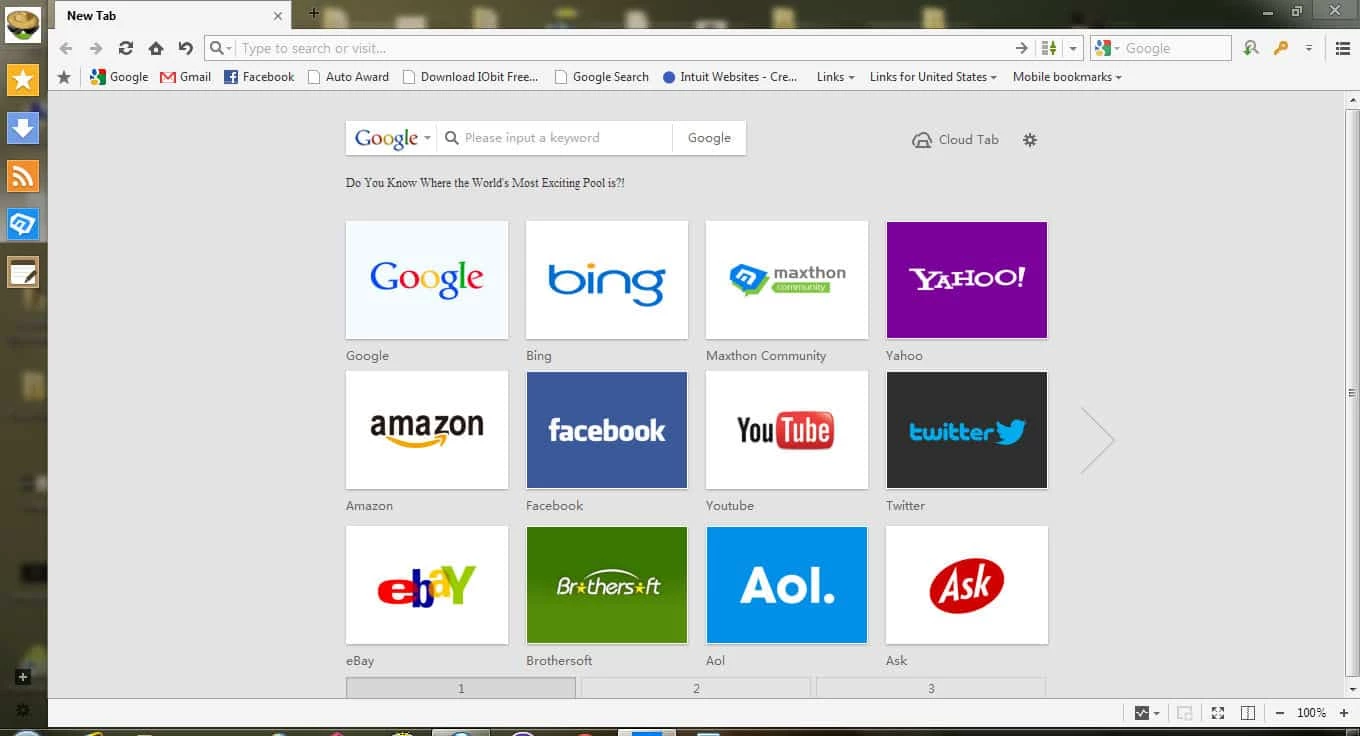
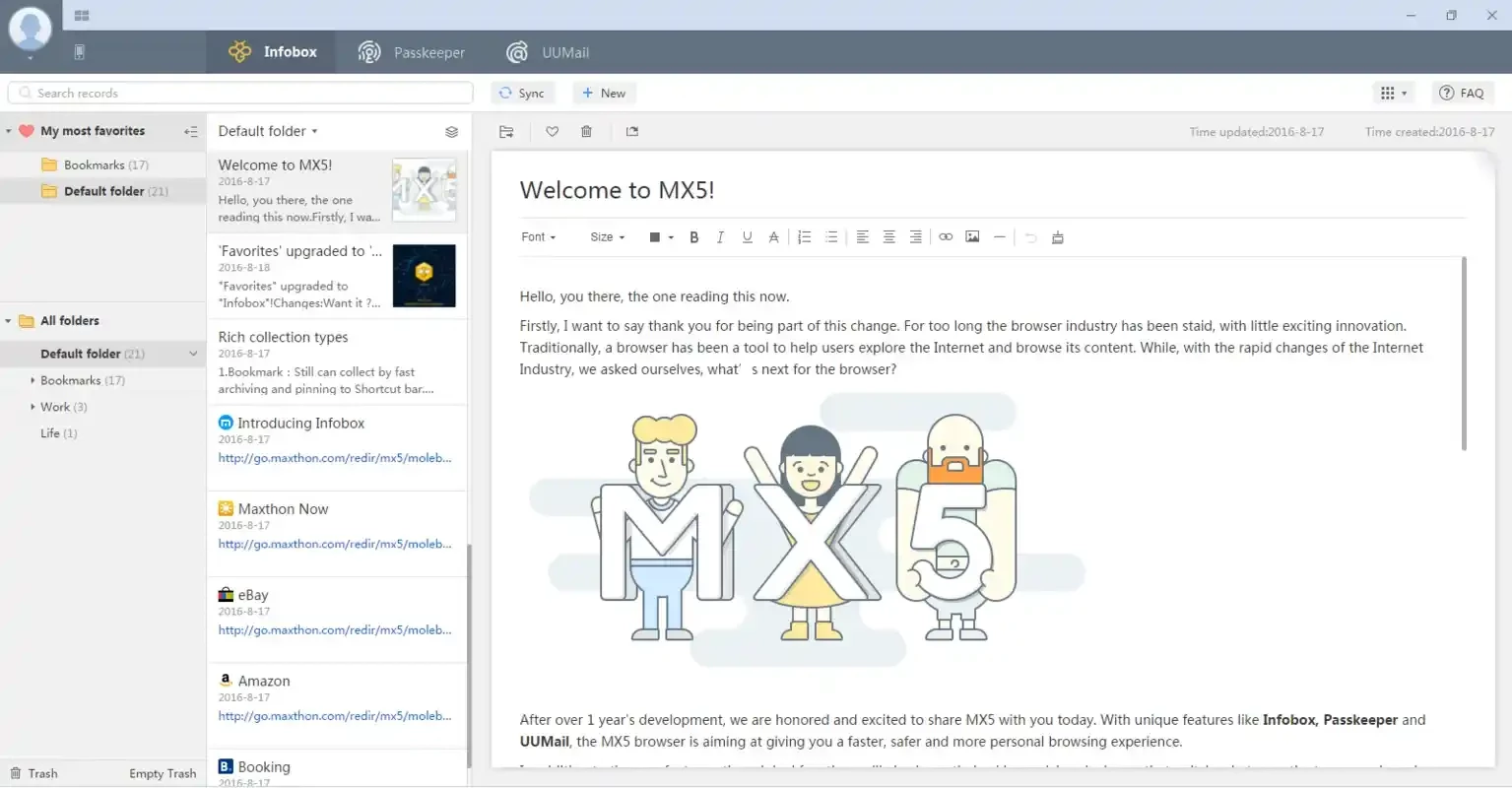
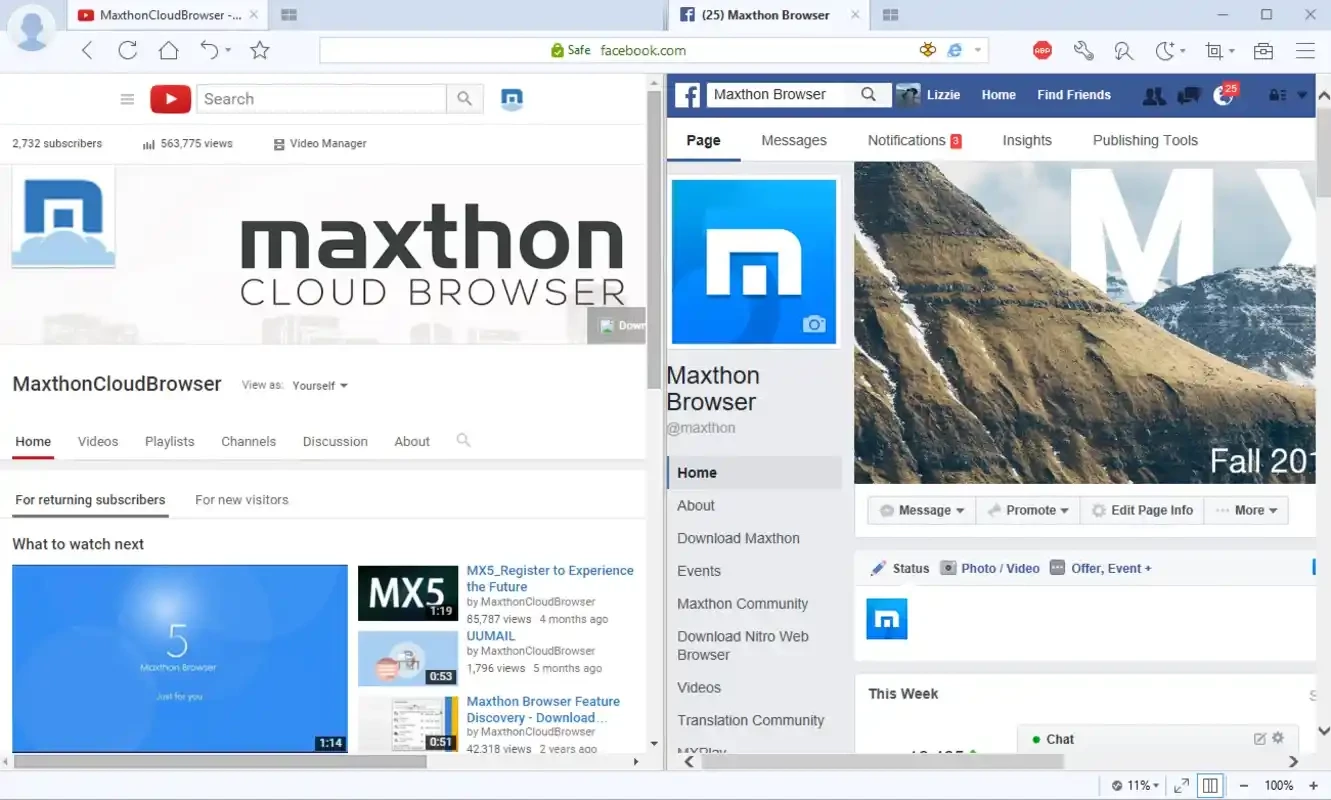
Maxthon Browser 7.5.2.9800 is a web browser for Windows developed in China by Maxthon International. It has been around since 2004, runs on Windows 10 and above and also exists for macOS, Android and iOS; you can download Maxthon from its official website as an installer or a portable version.
| Item | Details |
|---|---|
| Version | 7.5.2.9800 |
| Developer | Maxthon International |
| Windows | Windows 10 and above |
| Editions | desktop and portable, each in 64-bit and 32-bit |
| Other platforms | macOS, Android, iOS |
| First released | 2004 |
| Licence | proprietary, free to use |
| Size | about 137.67 MB according to catalogue data |
Maxthon has a long history: it started in 2004, when many people were looking for alternatives to the browser built into Windows, and has gone through several major generations since. Today it competes in a crowded field, so the reasons to choose it are mostly personal: familiarity from earlier years, a liking for its interface, or the need for a portable browser that runs from a folder without installation. Because the browser market changes quickly, it is worth comparing Maxthon with other browsers you already know before making it your default. Whatever you choose, keep in mind that your browser sees every site you visit and every password you type, which makes trust in its developer and regular updates more important than any single feature.
Older releases are listed on the previous versions page, though the current version is the safer choice.
Changing browsers is easiest in stages. Keep your old browser for a week or two while you try the new one for everyday tasks, and move bookmarks and saved passwords only once you are sure. Check that the sites you rely on most, such as online banking, webmail and work tools, behave correctly. If something does not work, report it to the developer and keep the old browser for that site until it is fixed. The portable edition is handy for such a trial because it leaves your system untouched.
Our listings include Google Chrome, Mozilla Firefox, Microsoft Edge, Opera, Vivaldi and Brave Browser, other web browsers for Windows.
Opera is a free web browser for Windows from Opera Software. The stable release is 136.0.6008.22, published on 17 September 2026.

UC Browser for Windows is the desktop version of the web browser from UCWeb, a Chinese mobile internet company.

Google Translate is Google's multilingual machine translation service, used on Windows through the website and a browser extension.

Microsoft Edge is Microsoft's web browser, preinstalled on current Windows versions and available as a free download for reinstalling or updating.

Mozilla Firefox is a free and open-source web browser developed by Mozilla, available for Windows, macOS, Linux, Android and iOS.

Google Chrome is the free web browser from Google. The stable Windows release is 154.0.8037.58, out since 22 September 2026.

Cent Browser is a free Chromium-based browser for Windows from Cent Studio that adds mouse gestures, tab tweaks and other power-user options.